
Evernote is my favorite app, and I’m beyond excited to write about it for Lifehack. When you really get the hang of it, Evernote becomes an indispensable tool that’s far more than the note-taking app it’s most commonly billed as. One of its most useful features is its ability to save online content that you acquire either for fun or for professional purposes. Gathering research through the app has some limitations, but by utilizing other tools along with Evernote the service is a near-perfect way to save content online. Here are explanations of Evernote’s strengths and weaknesses, along with those of the app Pocket, culminating in what they can accomplish together.
How To Save All That Useful Online Content
Lifehack teaches you how to save online content like a pro. With just two apps, Evernote and Pocket, you can save online content and find it again later!
Author Matt OKeefe
Category Technology

Keep Reading


Ready to Set Goals That Actually Matter?
Stop setting goals that don't stick. Let AI discover what you truly want and create a personalized roadmap to get there.
Discover Values
AI analyzes what matters
Perfect Match
Goals for your life
Action Plan
Step-by-step roadmap
Your 3-minute assessment reveals:
- Goals perfectly aligned with what you value most
- Personalized action plan with weekly milestones
- Progress tracking system and accountability support
Track Your Goals Anywhere
Take your personalized goal plan with you. Download the LifeHack app and stay on track wherever you are.
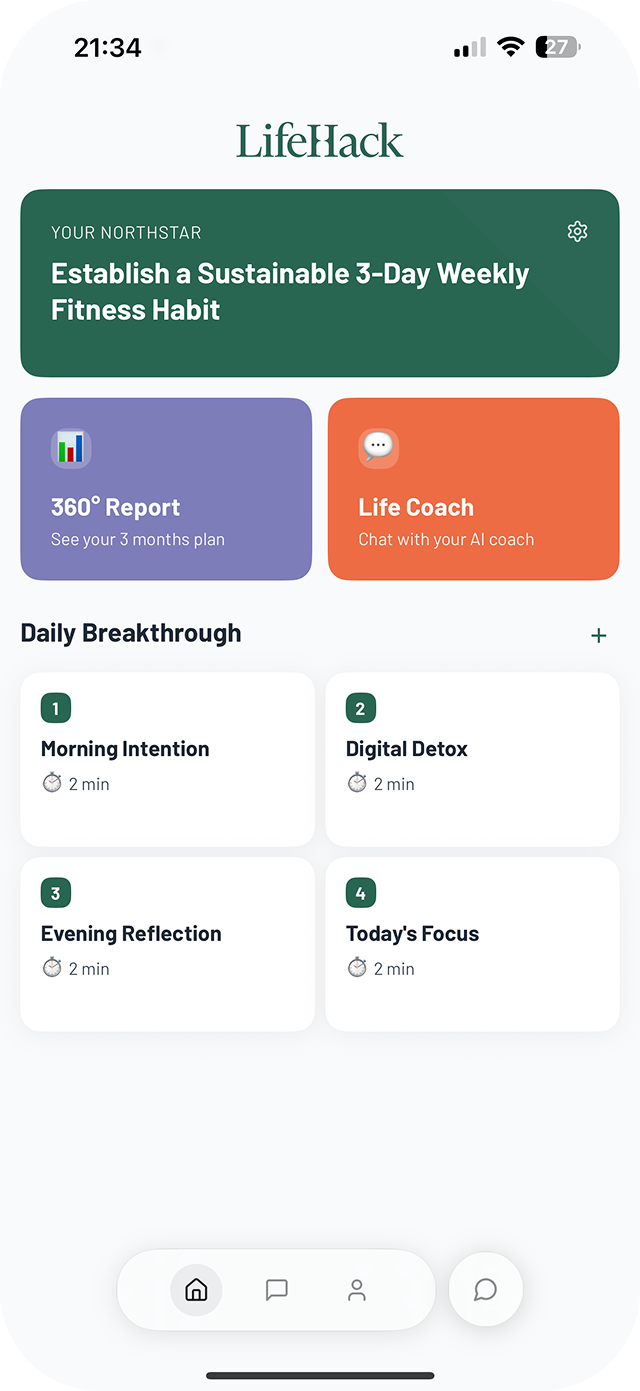
Why you'll love the app:
- Access your goals on the go
- Daily reminders to keep you focused
- Track progress with simple check-ins

Achieve Goals That Matter, In Time You Can Control
Get a taste of LifeHack's unique approach. Subscribe to our free weekly newsletter and learn how to transform busy days into meaningful progress.
- Discover how to align your time with your true priorities
- Learn techniques to overcome daily roadblocks
- Get actionable tips to boost your daily productivity