Note taking always seems boring to people. It never seems to be something that will boost creativity. But this is not true.
If you are looking for an approach to help you think clearly and more creatively, Visual Note-taking or Sketchnoting will help. This technique will keep your brain active, engaged, and highly stimulated. Let’s look at what Visual Note-taking is, why you should use it, and how you can develop it.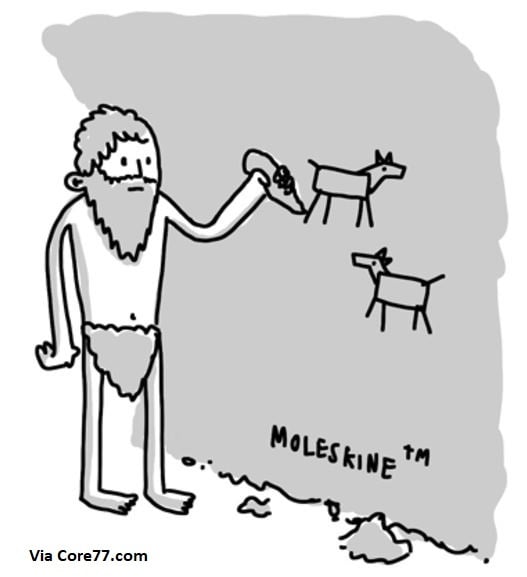 Visual Note-taking combines handwritten notes, symbols, drawings, and your creative brain.[1] You do not have to be an artist nor possess any experience whatsoever to use this technique.
Additionally, you do not need expensive or fancy tools. All you need is a pen and paper.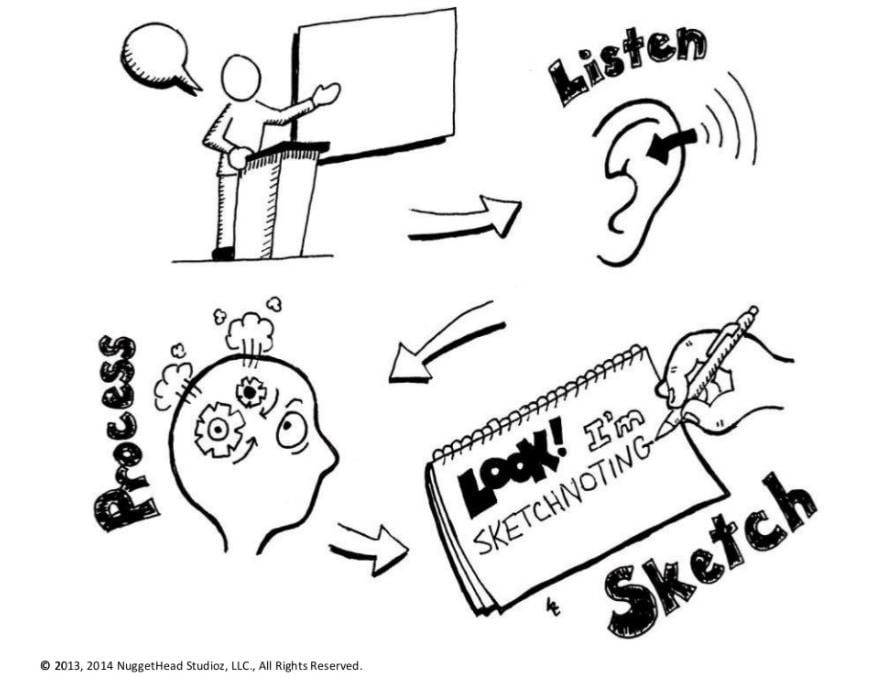 Visual Note-taking is an excellent method to connect (previously unseen) dots. These are the benefits of visual note taking:
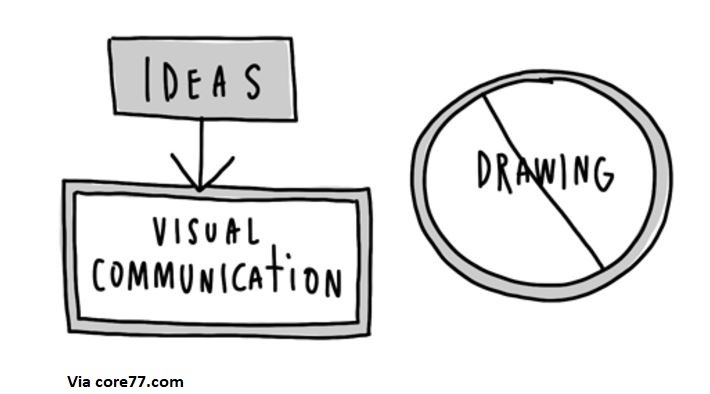 Try thinking like a comic book when you use this technique. The next time you are listening to a presentation, a lecture, or in a meeting, try to take notes visually. If you are a teacher, professor, or instructor, try developing your next lesson plan visually. Let’s see how.
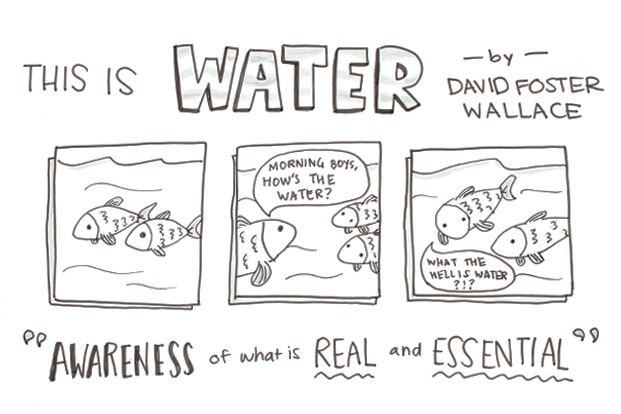
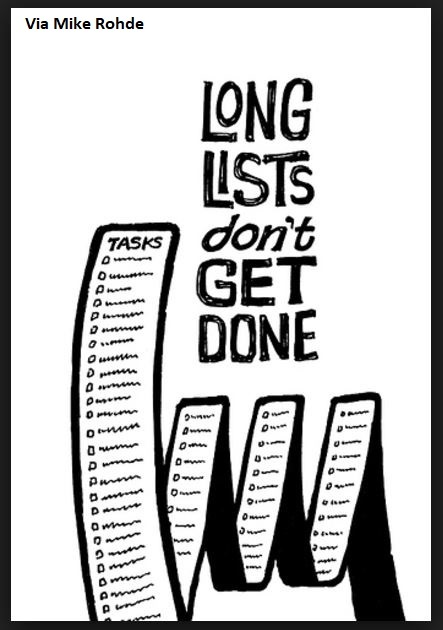
If you are looking for an approach to help you think clearly and more creatively, Visual Note-taking or Sketchnoting will help. This technique will keep your brain active, engaged, and highly stimulated. Let’s look at what Visual Note-taking is, why you should use it, and how you can develop it.
What Exactly Is Visual Note Taking?
Visual Note-taking combines handwritten notes, symbols, drawings, and your creative brain.[1] You do not have to be an artist nor possess any experience whatsoever to use this technique.Additionally, you do not need expensive or fancy tools. All you need is a pen and paper.
How Visual Note Taking Stimulates Your Brain
Visual Note-taking is an excellent method to connect (previously unseen) dots. These are the benefits of visual note taking:
- Improved memory retention.
- Active, engaged, and highly stimulated brain.
- A better and more creative critical thinker and problem solver.
- More creative ideas to be connected in different way.
- Notes will become easier to review.
Transform Ideas Through Visual Communication
Try thinking like a comic book when you use this technique. The next time you are listening to a presentation, a lecture, or in a meeting, try to take notes visually. If you are a teacher, professor, or instructor, try developing your next lesson plan visually. Let’s see how.
- Step #1: Draw a line through the middle of your paper.
- Step #2: On one side take hand written notes. The other side is for drawing.
- Step #3: Do not write down everything verbatim, instead, use acronyms or abbreviations.
- Step #4: Write down the key 4 or 5 main points or concepts.
- Step #5: Start experimenting!
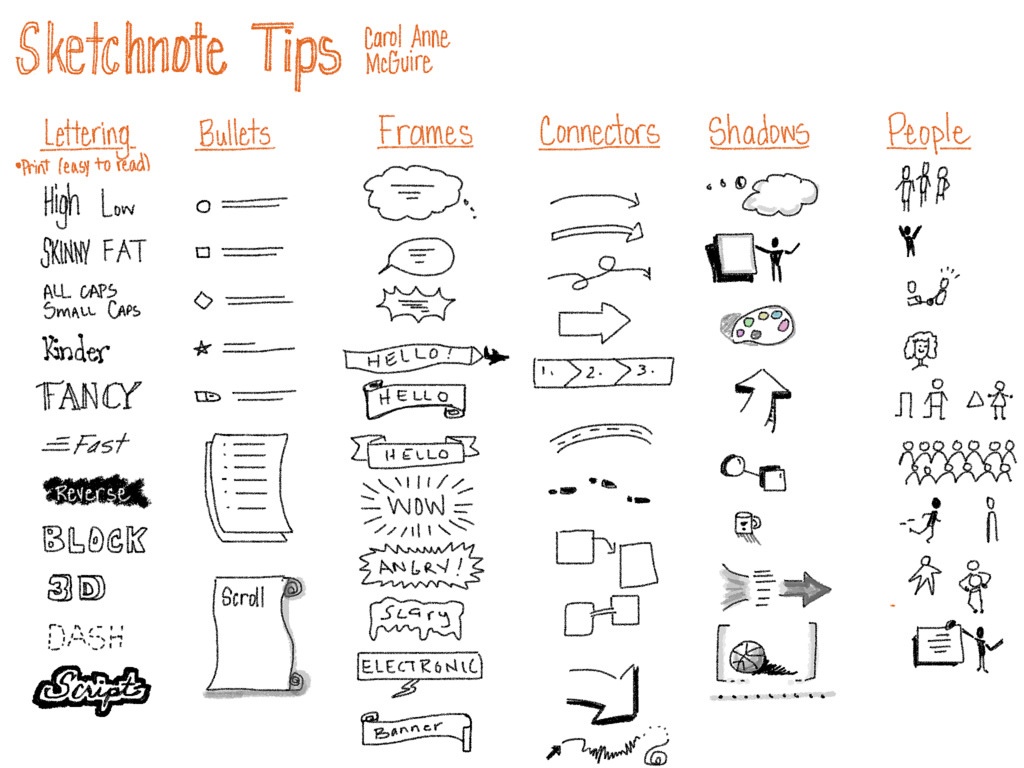
- Text: Try to make your text stand out. For example, if you are using the word “bold” make sure it appears as “BOLD” or “moving” should feel like it is literally MOVING!
- Shapes: Use basic shapes and then make them come alive. For example, overlap two circles and turn them into a Venn diagram.
- Frames: Use containers or frames to help consolidate or collect your ideas. For example, add a cloud over the head of person or symbol and include a quote from a lecture.
- Connectors: Use connectors to link ideas or connect your thoughts via roads or networks.
- Symbols: This is the easiest and best way to start on your journey to become a Visual Note-taker. If you are taking notes on economics, simply start adding visual symbols of money; or communication, start using symbols of an iPhone or e-mail. There are so many ways to make this work.
Continue on Your Visual Note-taking Journey
Finally, let me recommend some references for you to explore more about visual note-taking so you can apply the skill right away.- The Sketchnote Handbook by Mike Rhode
- Sketchnotes: A Guide to Visual Note-Taking via www.jetpens.com
- Sketchnotes 101: The Basics of Visual Note-Taking via www.core77.com
- An Introduction to Visual Note-Taking via YouTube
- How to draw and remember more by Graham Shaw via TEDxVienna